

Chrome DevTools Overview
Journey DevTools consists of the runtime bridge and the Chrome panel.
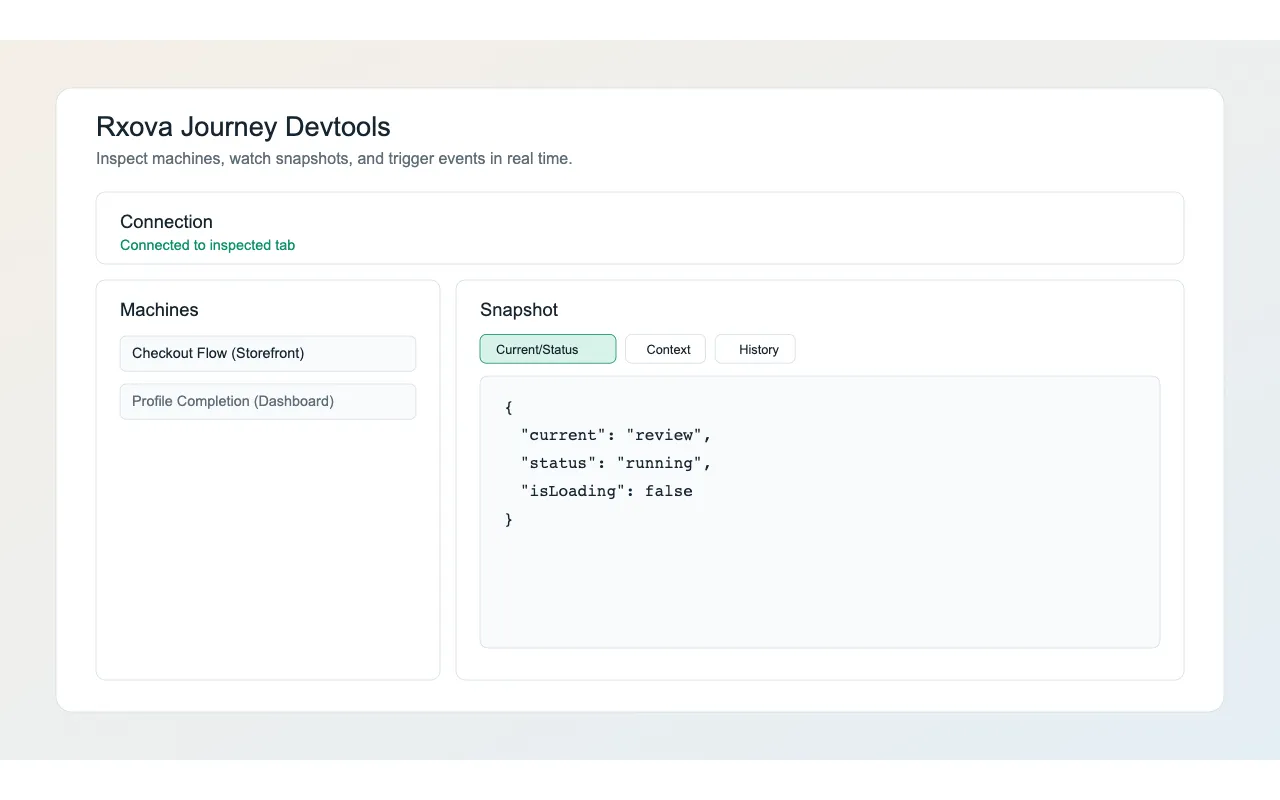
Install the extension from the Chrome Web Store,
then attach a Core machine with @rxova/journey-devtools-bridge.
The panel discovers multiple machines, displays their immutable v7 snapshots, records observation and operation envelopes in a timeline, and renders operation forms from descriptors advertised by each machine. Protocol v7 interoperates with v6 invokes and keeps v5 machines available read-only during rolling upgrades.
Snapshot inspection follows the current Core envelope:
typedistinguishes linear and graph machines.currentStep.idandcurrentStep.asyncdescribe the current entry.history.timelineandhistory.currentIndexdescribe realized navigation.machinecontains lifecycle booleans and terminal outcome.- Graph snapshots expose event availability and outgoing transition introspection.
Timeline row selection is local to the panel. It changes the Action, State, and Diff views but never rewinds or mutates the inspected machine.
See Bridge API, Protocol, and the Panel Guide.